 iPhone, iPad, Mac and web
Get DormWay
Your classes and deadlines on your phone, your laptop and in your browser. Sign in once and everything’s already there.
iPhone & iPad
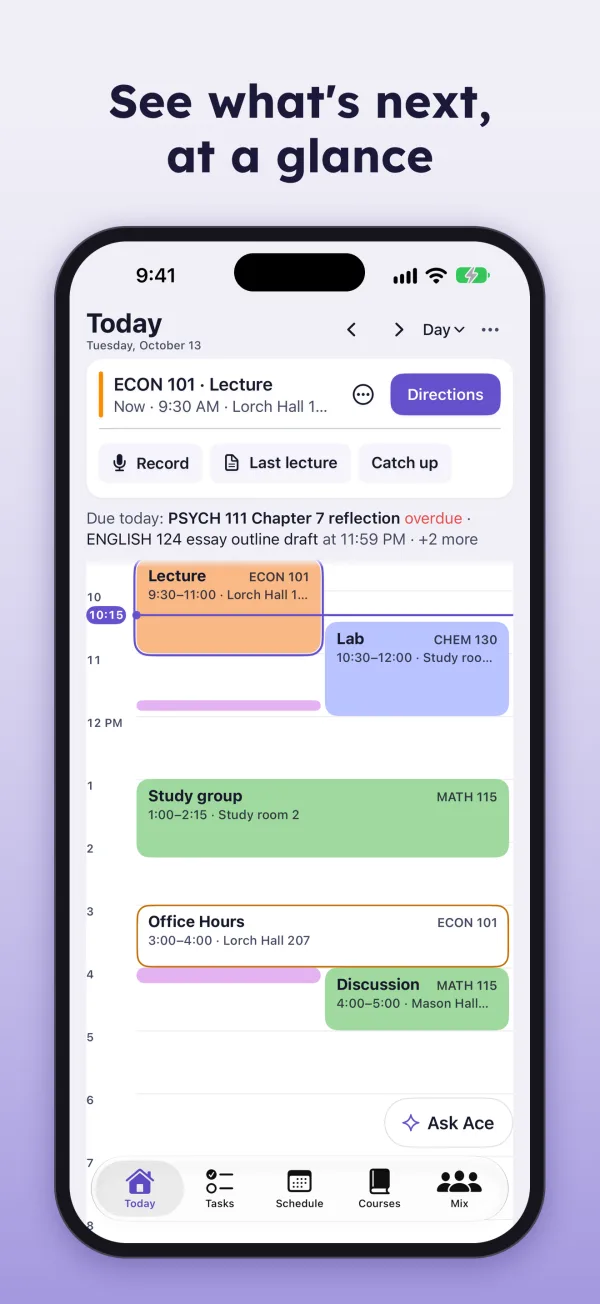
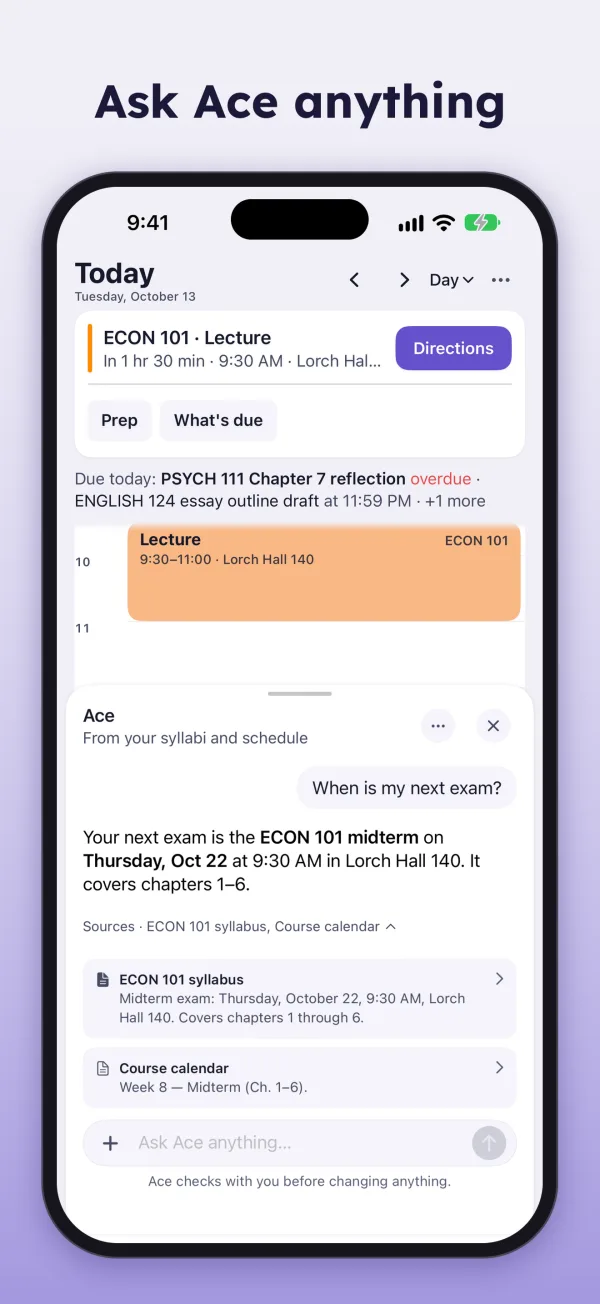
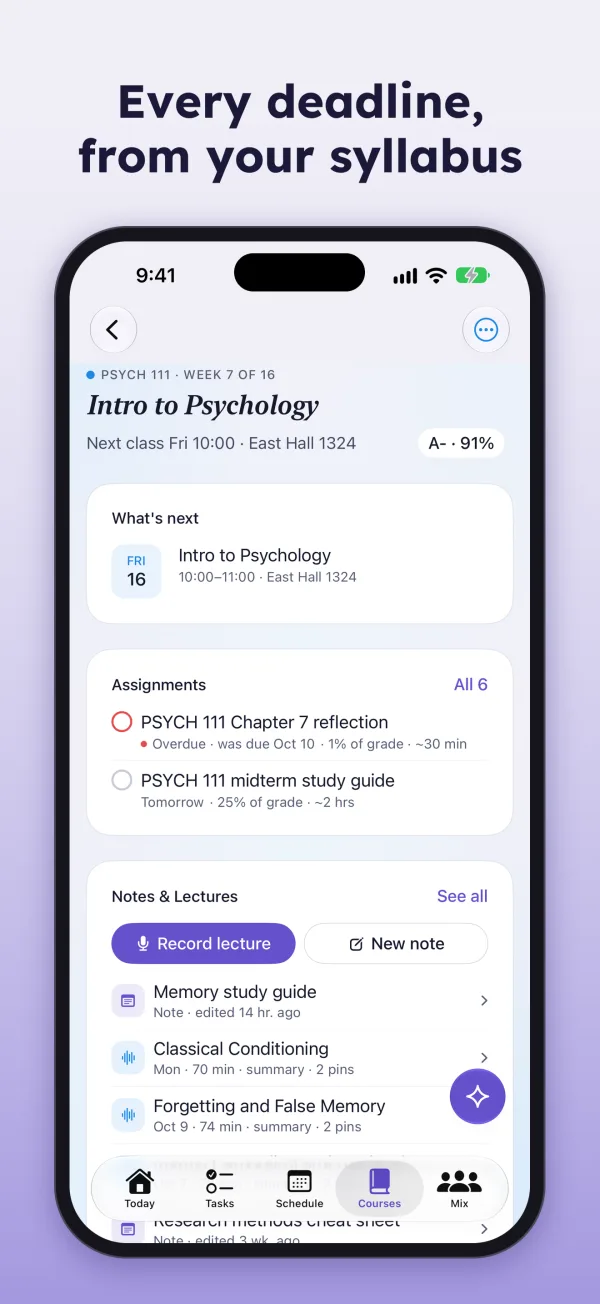
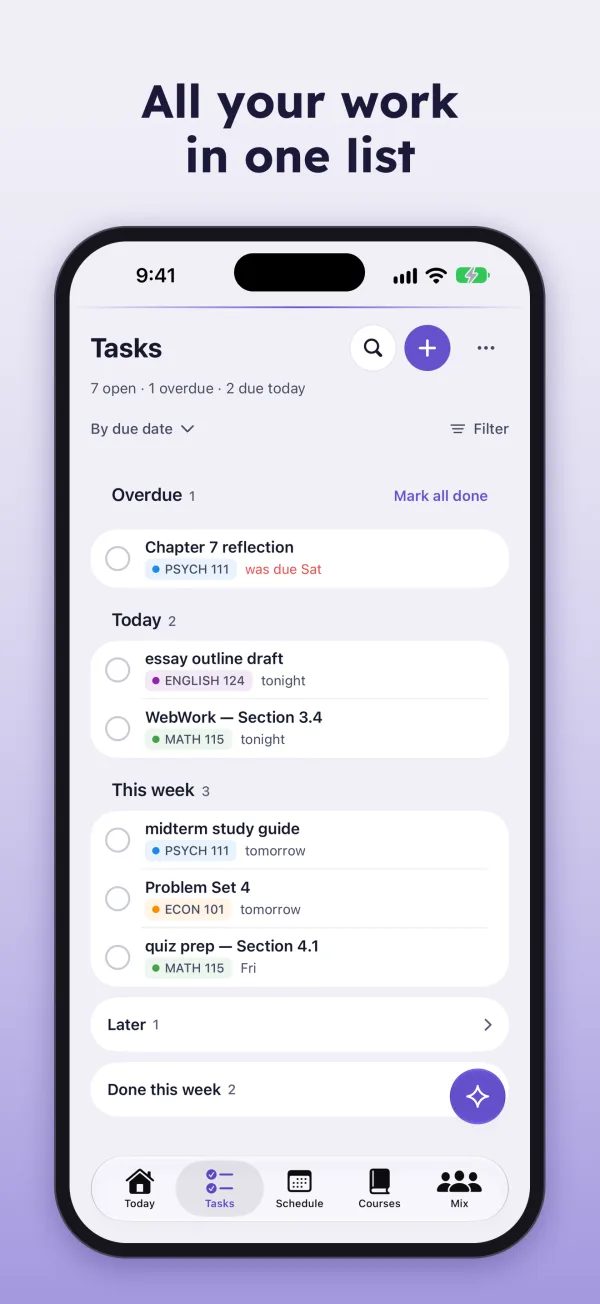
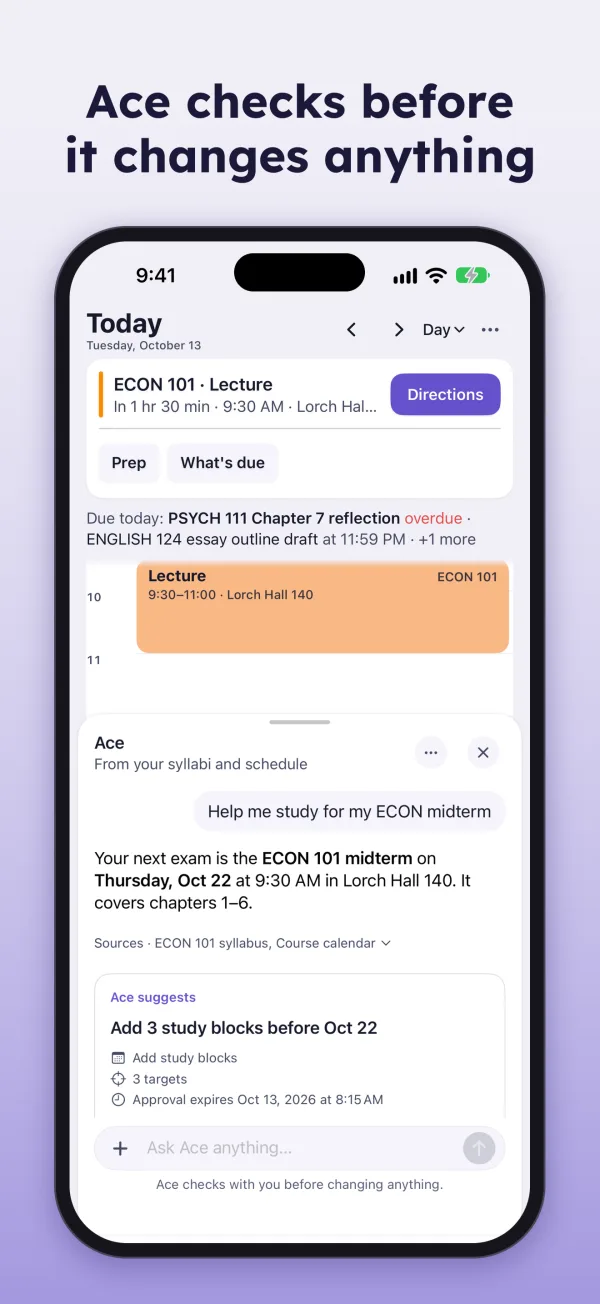
Today, Tasks, Schedule and Ace in your pocket. One download covers both.

MacNew
- Your next class in the menu bar
- One click to record a lecture
- Desktop widgets for Up Next, Today, Due Soon and Semester
Still catching up to the web, so keep both.

Web
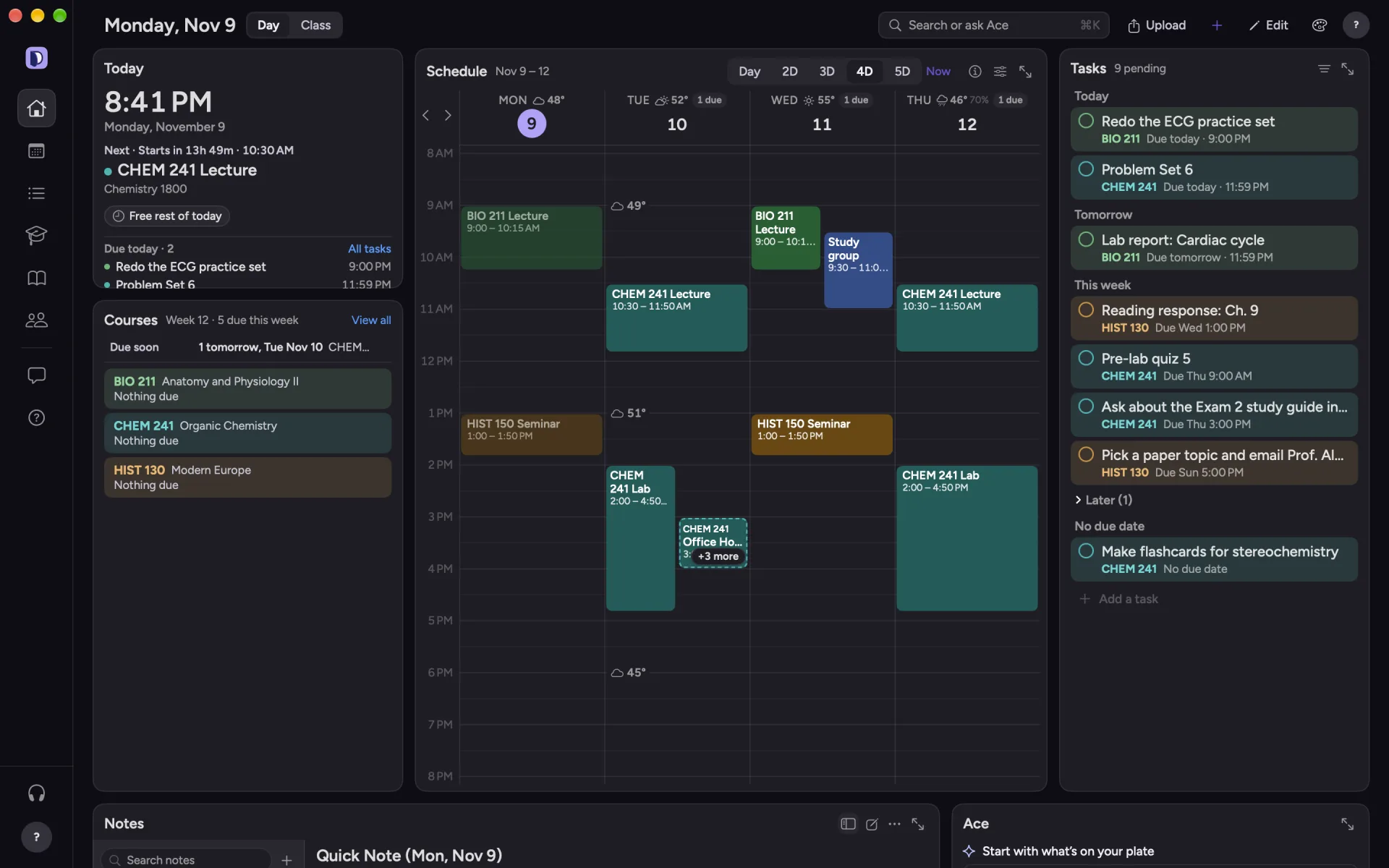
Everything DormWay does, nothing to install. Works on any laptop, including school computers.
Open dormway.appOn your iPhone
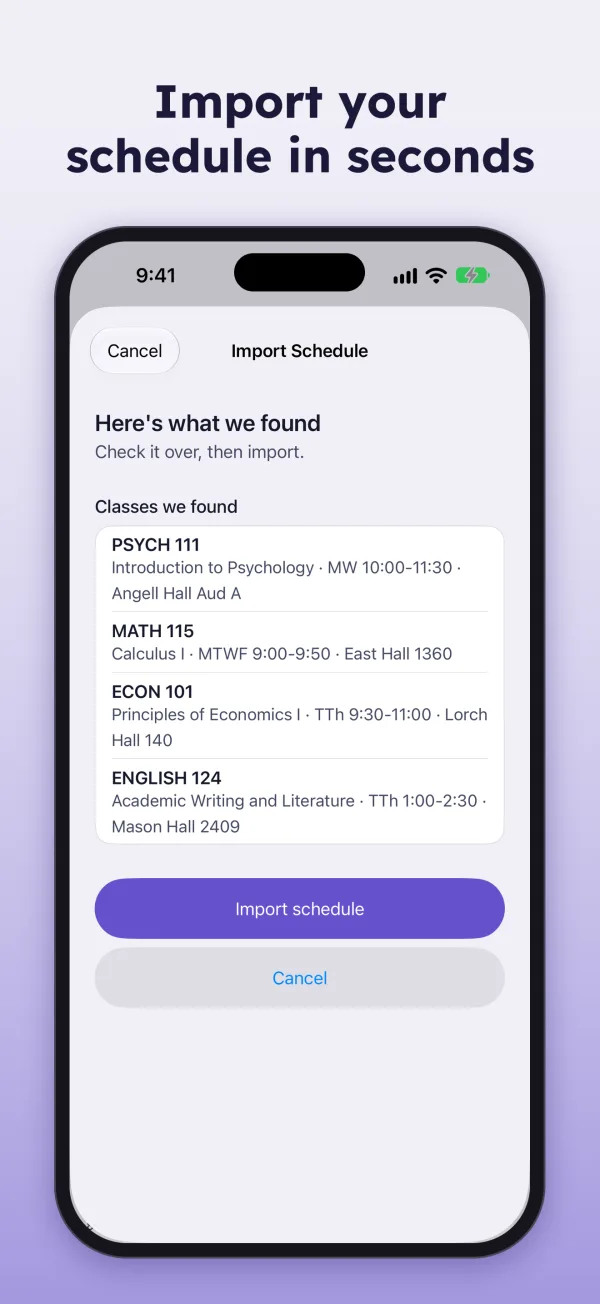
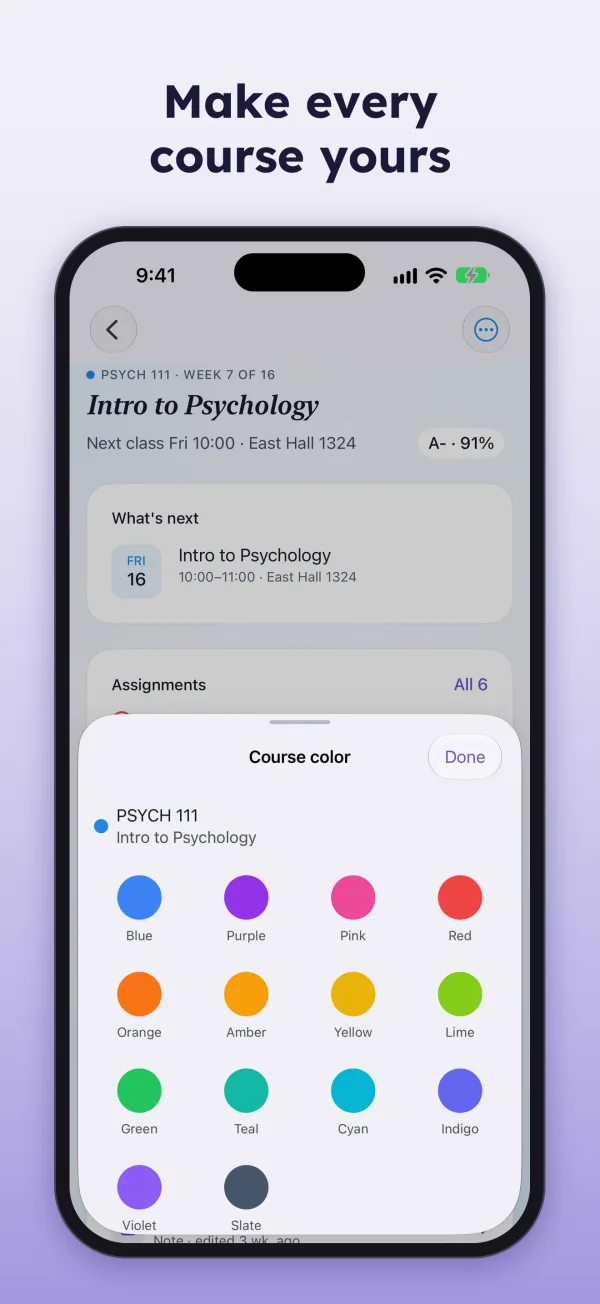
The screenshots from the App Store, as they are.
DormWay for Mac
It’s new. Right now it’s best at keeping your day in the corner of your screen while the web app does the heavy lifting.
Menu bar
Your next class and where it is, one glance up.
Lecture recording
Start and stop from the menu bar in one click.
Desktop widgets
Up Next, Today, Due Soon and Semester.
Same account
What you add on the web or your phone is already there.
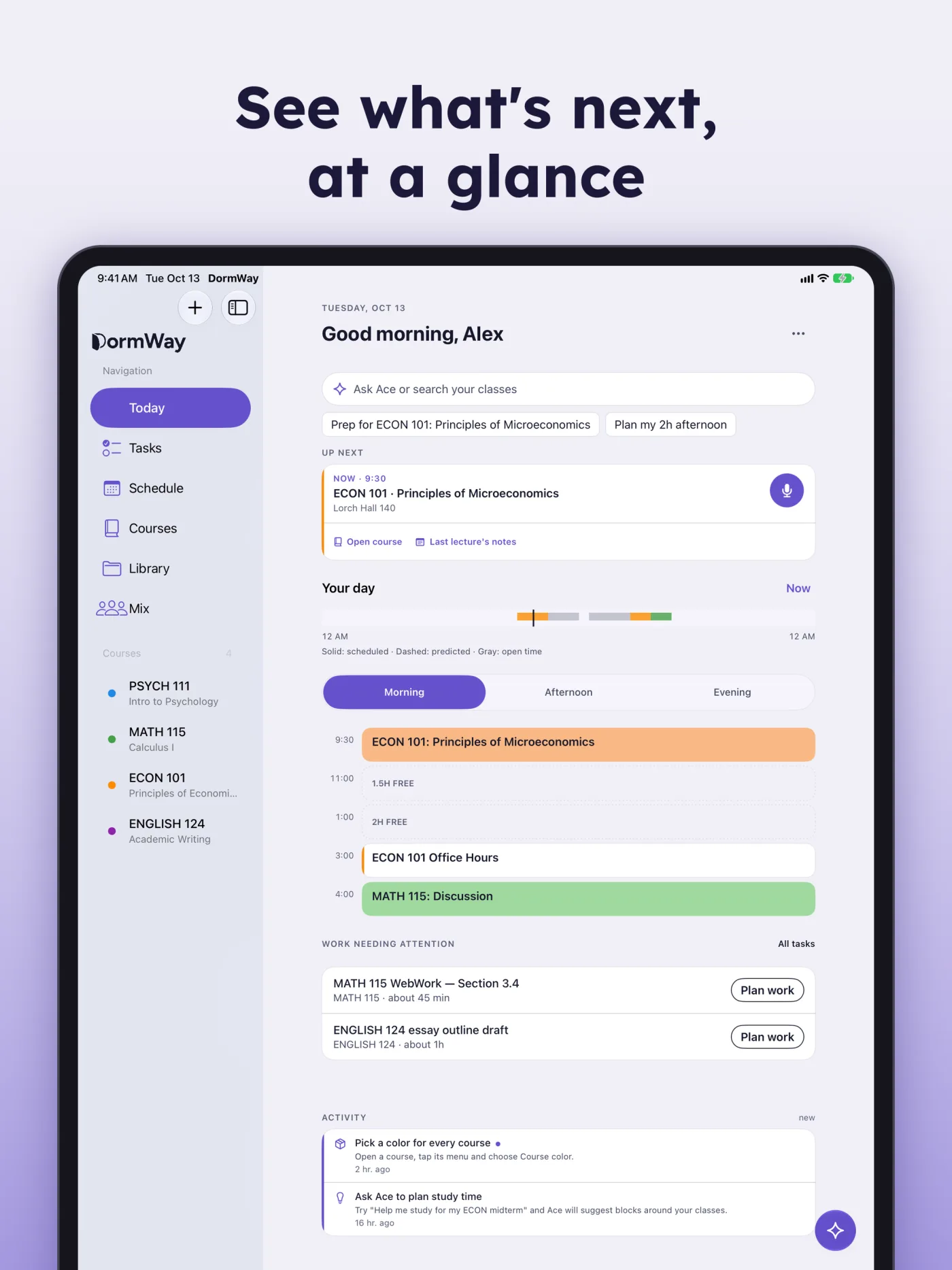
iPad
Your courses in the sidebar and the whole day in view. Same download as iPhone.
Claude & ChatGPT
Ask about your schedule, assignments and syllabi from the chat you already use. Add DormWay from the Claude directory, or connect ChatGPT and other MCP clients yourself.